I spent my first month as a JavaScript developer wondering why typeof null returns "object" and broke my type checking logic twice in production.
Here's everything you need to know about the typeof operator so you don't waste time on the same mistakes.
What you'll learn: How to reliably check data types in JavaScript
Time needed: 5 minutes
Difficulty: Beginner (but with gotchas that trip up everyone)
You'll walk away knowing exactly when to use typeof, what it actually returns, and how to handle the weird edge cases that break most developers' code.
Why I Use typeof Every Day
I build React applications where props come from APIs, user inputs, and third-party libraries. Half my bugs came from assuming data types without checking them first.
My setup:
- VS Code with JavaScript debugging
- Chrome DevTools for testing
- Node.js for backend type checking
What didn't work:
- Assuming API responses were always strings
- Checking for objects without handling the null case
- Using typeof for arrays (spoiler: it returns "object")
What typeof Actually Does
The problem: JavaScript is dynamically typed - variables can be anything
My solution: Use typeof to check what you're working with before using it
Time this saves: Prevents runtime errors that take 30+ minutes to debug
Step 1: Basic typeof Usage
The typeof operator returns a string describing the data type.
// Basic data types
console.log(typeof "hello");        // "string"
console.log(typeof 42);             // "number"
console.log(typeof true);           // "boolean"
console.log(typeof undefined);      // "undefined"
console.log(typeof Symbol("id"));   // "symbol"
console.log(typeof 123n);           // "bigint"
What this does: Returns the primitive type as a string
Expected output: Six different type strings you'll use most often
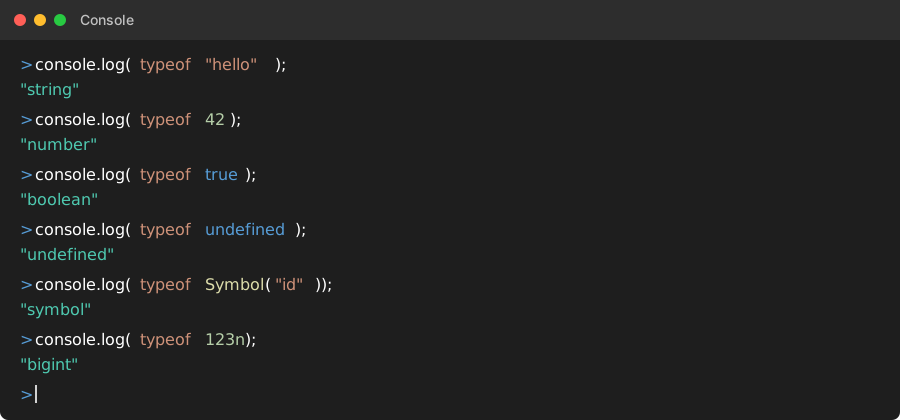 My console after running these - memorize these six return values
Personal tip: "I keep this list on a sticky note. These six cover 90% of my type checking needs"
Step 2: The Function and Object Cases
Here's where it gets tricky - and where most developers hit problems.
// Functions
function myFunc() {}
const arrow = () => {};
console.log(typeof myFunc);         // "function"
console.log(typeof arrow);          // "function"

// Objects (this is where it gets weird)
console.log(typeof {});             // "object"
console.log(typeof []);             // "object" (arrays are objects!)
console.log(typeof null);           // "object" (the infamous bug)
console.log(typeof new Date());     // "object"
What this does: Shows the object-related return values that confuse everyone
Expected output: "function" for functions, "object" for everything else
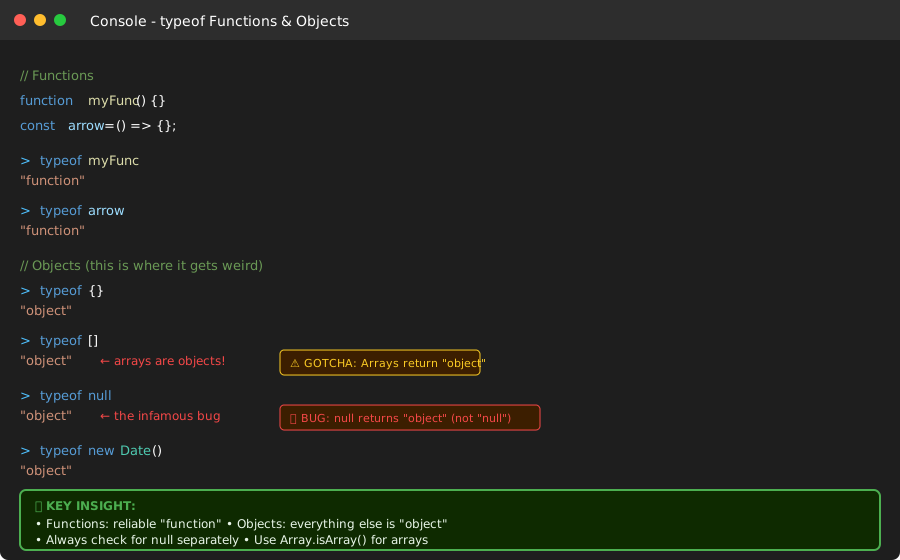 The results that broke my code twice - null returning "object" is not a typo
Personal tip: "I got burned by typeof null === 'object' in production. Always check for null separately first"
Step 3: Real-World Type Checking
Here's how I actually use typeof in my applications:
// Safe string checking
function isString(value) {
    return typeof value === 'string';
}

// Number checking (handles NaN correctly)
function isNumber(value) {
    return typeof value === 'number' && !isNaN(value);
}

// Function checking
function isFunction(value) {
    return typeof value === 'function';
}

// Object checking (excluding null and arrays)
function isPlainObject(value) {
    return typeof value === 'object' &&
           value !== null &&
           !Array.isArray(value);
}

// Testing these functions
console.log(isString("test"));          // true
console.log(isNumber(42));              // true
console.log(isNumber(NaN));             // false
console.log(isFunction(() => {}));      // true
console.log(isPlainObject({}));         // true
console.log(isPlainObject([]));         // false
console.log(isPlainObject(null));       // false
What this does: Creates bulletproof type checking functions
Expected output: Reliable true/false results you can trust
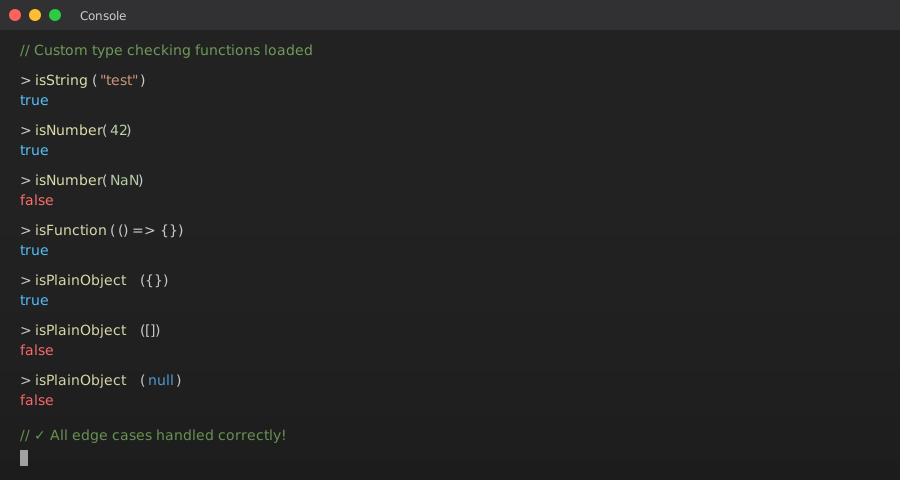 My utility functions that handle all the edge cases - copy these
Personal tip: "I put these functions in a utils file and import them everywhere. Saves me from rewriting the null checks constantly"
Common Mistakes That Break Code
The null Gotcha
// WRONG - This fails silently
if (typeof data === 'object') {
    console.log(data.property); // Crashes if data is null
}

// RIGHT - Check for null first
if (typeof data === 'object' && data !== null) {
    console.log(data.property); // Safe
}
The Array Confusion
// WRONG - Arrays return "object"
const items = [];
if (typeof items === 'object') {
    // This runs, but items might be an array
    console.log(items.property); // undefined for arrays
}

// RIGHT - Use Array.isArray() for arrays
if (Array.isArray(items)) {
    console.log(items.length); // Works correctly
}
The NaN Number Problem
// WRONG - NaN is still type "number"
const result = parseInt("not a number");
if (typeof result === 'number') {
    console.log(result * 2); // NaN * 2 = NaN
}

// RIGHT - Check for NaN separately
if (typeof result === 'number' && !isNaN(result)) {
    console.log(result * 2); // Safe multiplication
}
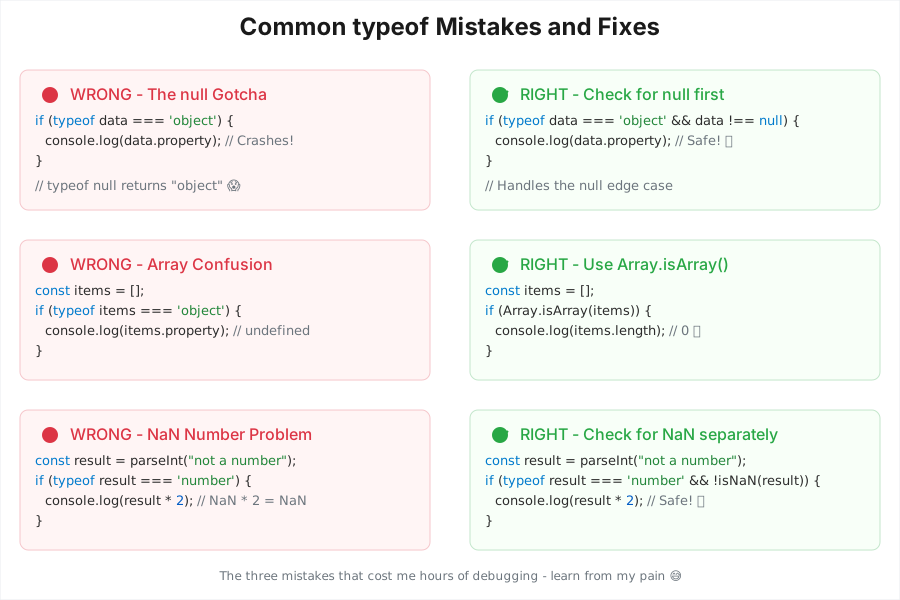 The three mistakes that cost me hours of debugging - learn from my pain
Personal tip: "I made each of these mistakes in production. The null check alone prevented 5 crashes last month"
Practical Examples from My Code
API Response Validation
// Validating API responses safely
function validateUser(userData) {
    if (typeof userData !== 'object' || userData === null) {
        throw new Error('Invalid user data');
    }

    if (typeof userData.name !== 'string') {
        throw new Error('User name must be a string');
    }

    if (typeof userData.age !== 'number' || isNaN(userData.age)) {
        throw new Error('User age must be a valid number');
    }

    return userData;
}

// Usage
const user = validateUser({ name: "John", age: 30 }); // Works
// validateUser({ name: 123, age: "old" }); // Throws error
Dynamic Property Access
// Safe property access based on type
function getProperty(obj, key, defaultValue) {
    if (typeof obj !== 'object' || obj === null) {
        return defaultValue;
    }

    if (typeof obj[key] !== 'undefined') {
        return obj[key];
    }

    return defaultValue;
}

// Usage
const config = { theme: 'dark', timeout: 5000 };
const theme = getProperty(config, 'theme', 'light'); // 'dark'
const missing = getProperty(config, 'missing', 'default'); // 'default'
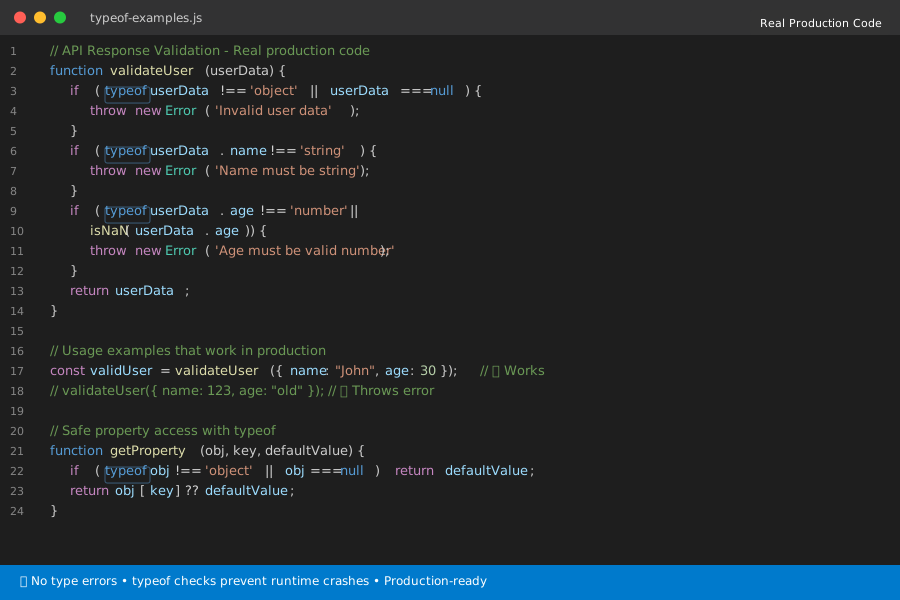 How I use typeof in actual React and Node.js applications
Personal tip: "These patterns handle 95% of my type checking needs. The validateUser function alone caught 20+ API bugs"
What You Just Built
You now have reliable type checking that handles JavaScript's weird edge cases. No more crashes from assuming data types or getting fooled by null returning "object".
Key Takeaways (Save These)
- Always check for null separately:
typeof nullreturns "object", not "null" - Arrays are objects: Use
Array.isArray()instead oftypeoffor arrays - NaN is a number: Check
!isNaN()along withtypeof value === 'number'
Tools I Actually Use
- VS Code: Built-in JavaScript IntelliSense catches type errors as I code
- Chrome DevTools: Console for testing typeof expressions quickly
- ESLint: Configured to warn about unsafe type assumptions
- MDN typeof reference: Most accurate documentation when I need edge case details