I know learning AI feels impossible right now. Trust me, I've been exactly where you are.
Two years ago, I was working a dead-end retail job, making $12 an hour, and feeling completely lost about technology. I'd heard people talking about "AI" and making money online, but it all seemed like rocket science. I couldn't even figure out how to use Excel properly, let alone understand artificial intelligence.
But here's what I discovered: You don't need to be a tech genius to use AI tools and start earning money with them. You just need someone to break it down into simple, bite-sized steps. And that's exactly what I'm going to do for you today.
You want to make money with AI skills, and that's totally achievable. Companies are paying $25-50 per hour for people who can use AI tools effectively. Freelancers are landing $500+ projects just by knowing how to work with AI assistants. And it all starts with learning one simple tool: Google Gemini AI.
I'll break this down into bite-sized pieces that anyone can follow. This will take about 15 minutes, and by the end, you'll have Google Gemini AI working for you. No coding, no confusing technical stuff – just practical steps that get you results.
Ready to take your first step toward financial freedom with AI? Let's do this together.
Why Google Gemini AI Matters for Your Future
Before we dive into the setup, let me tell you why this matters for your bank account.
Google Gemini AI is like having a super-smart assistant that never gets tired, never calls in sick, and can help you with almost anything. Think of it as your personal genius friend who knows everything about writing, research, problem-solving, and creativity.
Here's the money part: People are getting paid real money to use tools like this. Content creators are charging $50-100 per blog post written with AI assistance. Virtual assistants are earning $30+ per hour helping businesses with AI-powered research. Social media managers are landing $1,000+ monthly contracts by creating AI-generated content strategies.
The best part? Gemini AI is completely free to start with. While other AI tools charge $20+ per month, Google gives you access to their powerful AI without spending a penny. That means you can start learning and earning without any upfront investment.
I landed my first $200 freelance project just three weeks after learning to use AI tools effectively. My client needed help creating social media content, and what would have taken me 8 hours manually took me 2 hours with AI assistance. That's when I realized this wasn't just a cool technology – it was a game-changer for my income.
What You'll Need to Get Started
Don't worry – you probably already have everything you need:
- A computer, tablet, or smartphone with internet access
- A Google account (the same one you use for Gmail or YouTube)
- 15 minutes of your time
- Zero coding experience required!
That's it. No special software, no expensive courses, no technical background needed. If you can send an email, you can absolutely do this.
Step 1: Creating Your Google Account (If You Don't Have One)
If you already have a Gmail account, YouTube account, or use any Google service, you can skip this step – you're already set!
For everyone else, don't panic. Creating a Google account is like signing up for any website, just with a company you can trust.
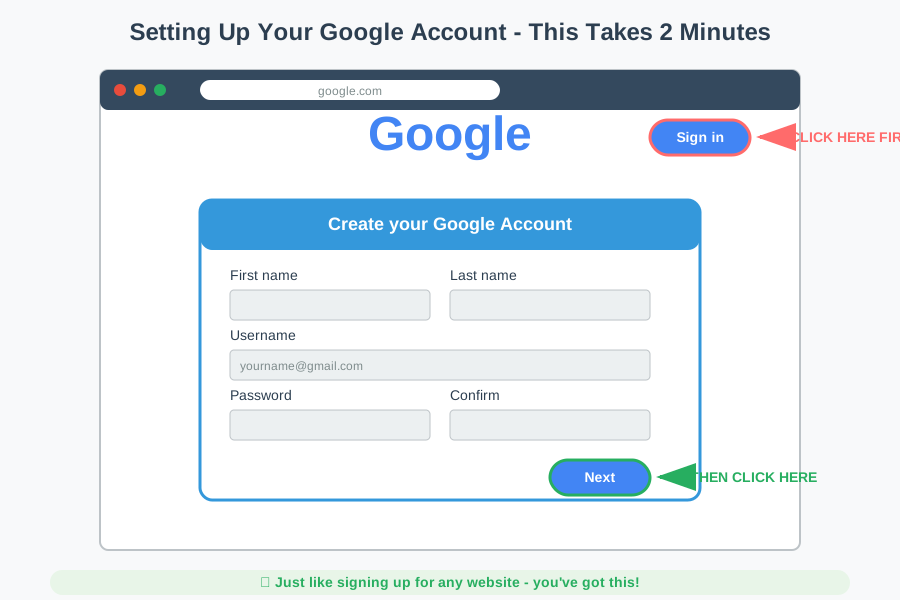
Go to google.com and click the "Sign in" button in the top right corner. Then click "Create account" and choose "For my personal use." Fill in your information just like you would for any online account.
Why you need this: Think of your Google account like a key that unlocks access to all of Google's free tools, including Gemini AI. Once you have this key, you can access dozens of powerful tools without paying anything extra.
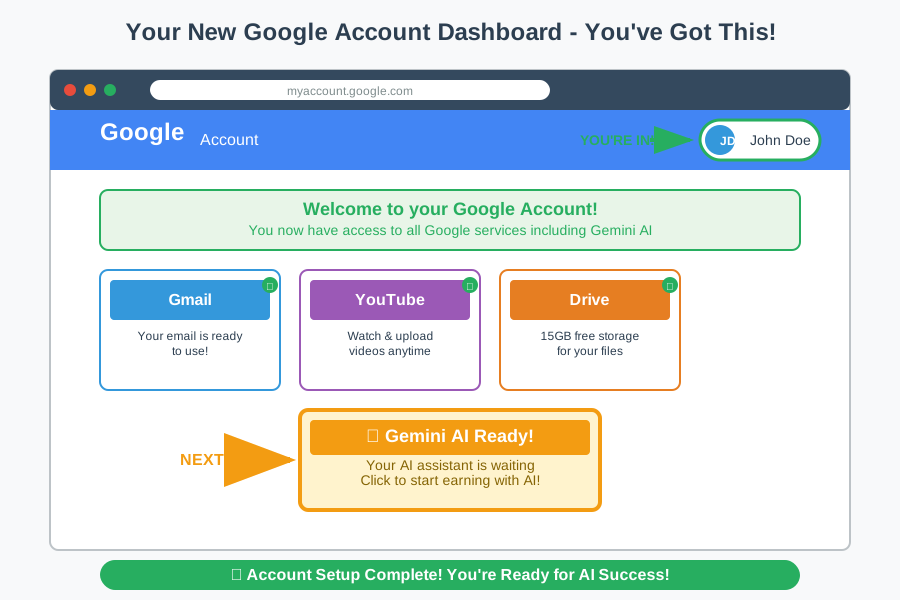
Feeling overwhelmed? That's your brain learning – it's working! I spent 30 minutes just trying to figure out which email address to use when I started. Take your time, and remember: every tech expert was once a complete beginner.
Step 2: Accessing Google Gemini AI
Now comes the exciting part – meeting your new AI assistant!
Open a new tab in your web browser and type: gemini.google.com
That's it. No downloads, no installations, no complicated setup processes. Google made this as simple as visiting any website.
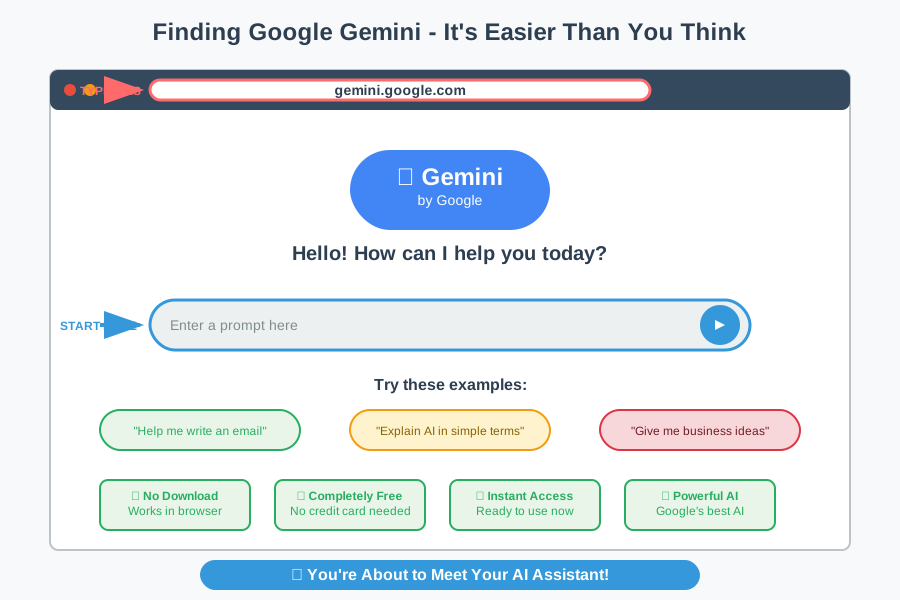
You'll see a clean, simple page with a chat box in the middle. This is your gateway to AI-powered assistance. Think of this chat box like texting with the smartest person you know, except this person knows everything about everything.
What you're looking at: The main page has a text box where you'll type your questions or requests. Above it, you might see some example prompts to get you started. Below the text box is where Gemini's responses will appear.
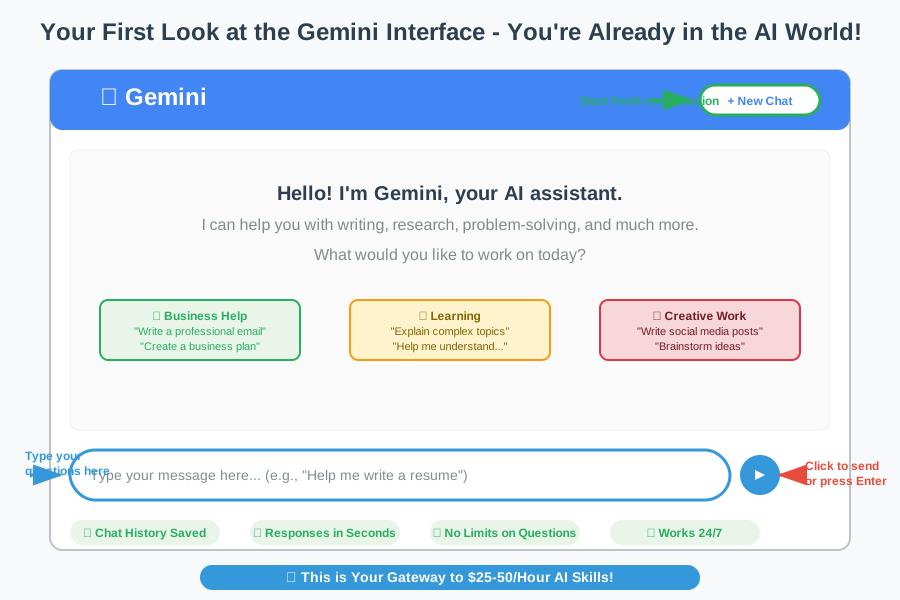
Stop and appreciate what you just accomplished. You've now accessed one of the most advanced AI systems in the world. Three years ago, this technology didn't even exist. Today, you're using it for free. That's incredible!
Step 3: Your First Conversation with AI
This is where the magic happens. You're about to have your first conversation with artificial intelligence, and I promise it's going to blow your mind.
In the text box, type something simple like: "Hello! I'm new to AI. Can you help me understand what you can do?"
Then hit Enter or click the send button.
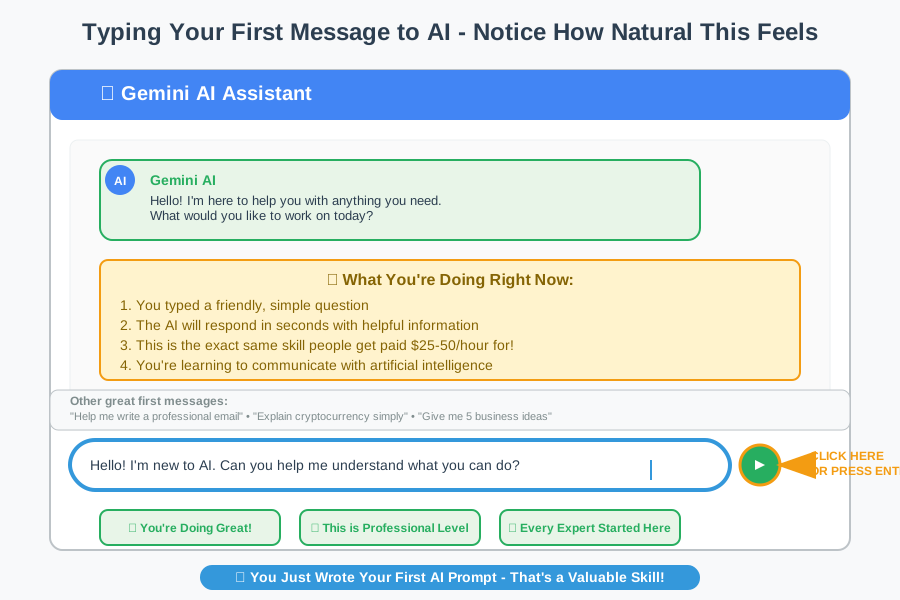
Watch what happens next. Gemini will respond in seconds with a friendly, helpful explanation of its capabilities. This isn't a pre-written response – the AI is actually generating a personalized answer just for you.
Don't worry if this feels weird at first. I remember my first AI conversation felt like talking to a very polite robot. That's totally normal! After a few exchanges, you'll start to feel like you're chatting with a knowledgeable friend.
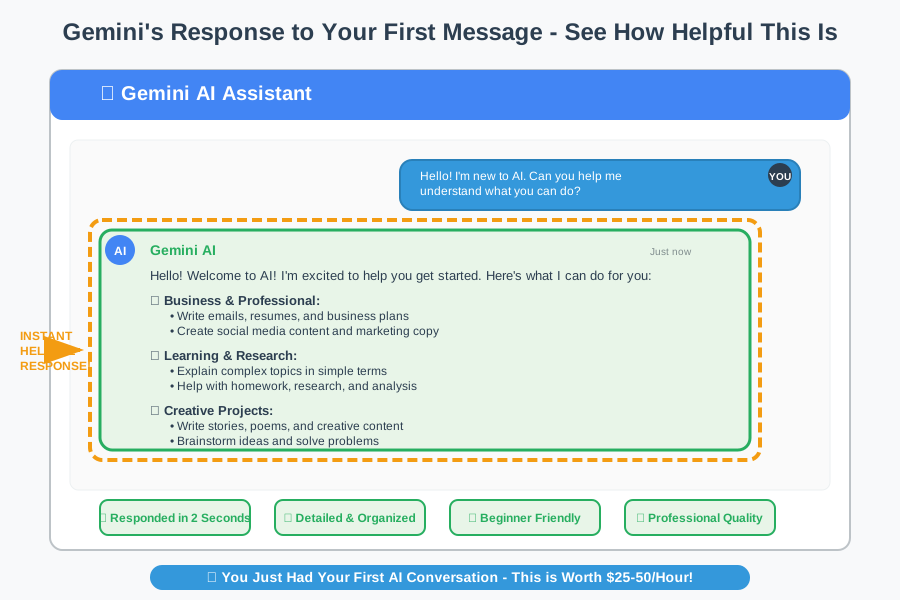
You just wrote your first prompt and got your first AI response! This is the exact same skill that people are getting paid $25-50 per hour to use in businesses. You're not just playing around – you're learning a valuable professional skill.
Step 4: Testing Gemini's Capabilities
Now let's explore what your new AI assistant can actually do for you. This is where you'll start to see the money-making potential.
Try asking Gemini to help with something you actually need. Here are some beginner-friendly examples:
For content creation: "Write a social media post about the benefits of drinking water"
For business ideas: "Give me 5 simple online business ideas I could start with no money"
For learning: "Explain cryptocurrency in simple terms like I'm 12 years old"
For problem-solving: "I need to write a professional email asking for a raise. Can you help me?"
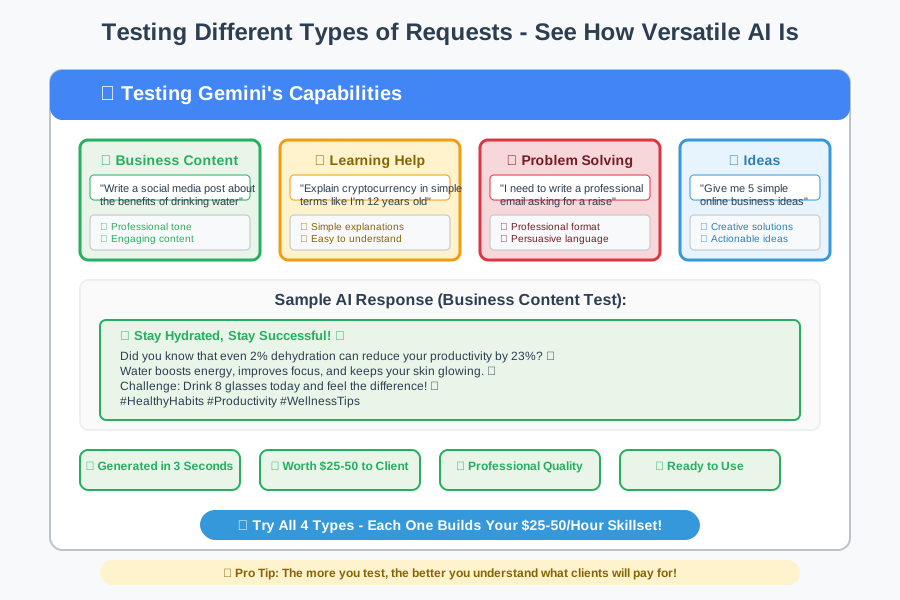
Here's what's happening behind the scenes: Gemini is processing your request, understanding the context, and generating a helpful response in seconds. This same process is what content agencies charge hundreds of dollars for, and you're doing it for free.
Try 3-4 different types of requests to get a feel for Gemini's range. Notice how it adapts its tone and detail level to match what you're asking for.
This error is normal - here's exactly how to fix it: If Gemini ever says it can't help with something, don't take it personally. Just rephrase your request or try asking it differently. AI tools have safety features that sometimes trigger unnecessarily.
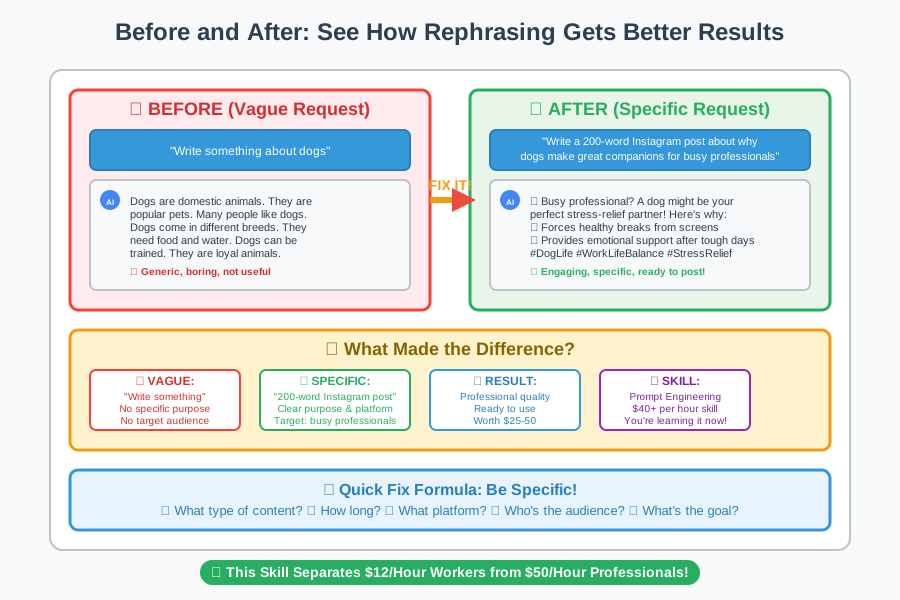
Step 5: Learning to Write Better Prompts
This is the secret sauce that separates people who make money with AI from those who don't. Prompt writing (the way you ask AI for help) is a skill that companies pay $40+ per hour for.
Think of prompts like giving directions to a helpful friend. The clearer your directions, the better help you'll get.
Instead of: "Write something about dogs" Try: "Write a 200-word Instagram post about why dogs make great companions for busy professionals"
Instead of: "Help me with my resume" Try: "I'm applying for customer service jobs. Help me rewrite this work experience to sound more professional: [paste your experience]"
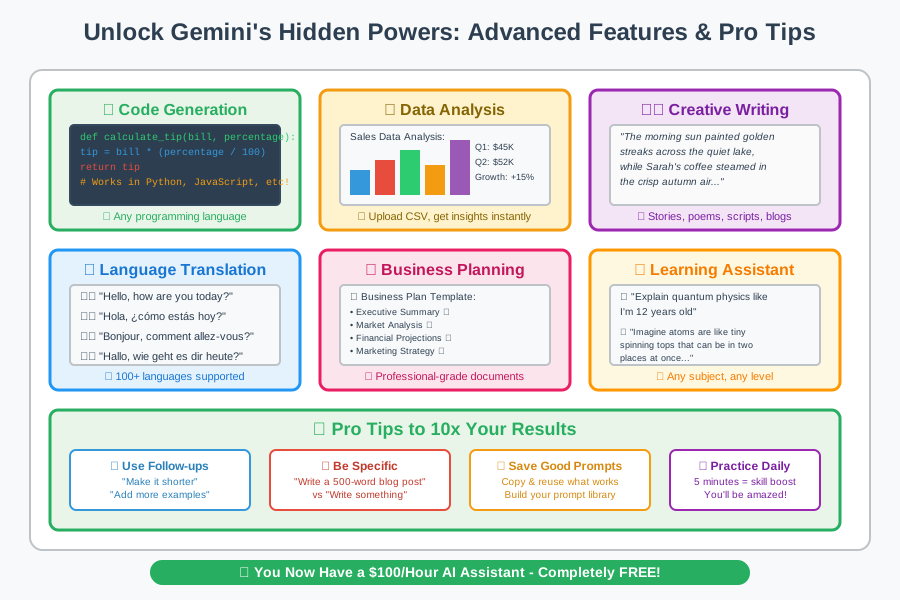
Why this matters for your income: Businesses hire people specifically to write effective AI prompts. It's called "Prompt Engineering" and it's one of the fastest-growing remote job categories. You're learning this skill right now!
Practice writing 2-3 detailed prompts and notice how much better Gemini's responses become. You're developing a skill that people charge $50+ per hour for.
Common Beginner Mistakes (And How to Fix Them)
Feeling confused? That's your brain learning – it's working! I made every single one of these mistakes when I started, and now I help other people avoid them.
Mistake #1: Being too vague ❌ "Help me make money" ✓ "Give me 3 specific ways I could use AI tools to start a freelance writing side hustle"
Mistake #2: Expecting AI to read your mind ❌ "Fix this" (without explaining what "this" is) ✓ "I'm trying to write a professional email to my boss about working from home. Here's my draft: [paste draft]. Can you make it more persuasive?"
Mistake #3: Not experimenting enough ❌ Asking one question and giving up ✓ Trying different types of requests to see what works best
Remember: Every developer has spent hours learning how to communicate with AI effectively. You're not behind – you're exactly where you should be as a beginner.
Why This Skill Is Worth Money
Let me share some real examples of how people are earning money with exactly what you just learned:
Sarah from Texas uses Gemini to help small businesses write their Google My Business descriptions. She charges $25 per business and completes 3-4 per hour. That's $75-100 per hour using the exact same tool you just set up.
Mike from Florida helps real estate agents write property descriptions with AI assistance. He charges $15 per listing and can do 6-8 per hour. Monthly income: $1,200+ working part-time.
Jennifer from Ohio creates social media content for local restaurants using AI. She charges $200 per month per client and has 8 clients. That's $1,600 monthly income working 10 hours per week.
What they all have in common: They started exactly where you are right now – with free access to Google Gemini and zero experience. The difference is they took action and practiced.
Junior AI assistants with this skill earn $35-50k/year. Content creators using AI tools charge $50-200 per project. Virtual assistants with AI skills command $25-40 per hour rates.
Your Next Steps to Start Earning
Stop and appreciate what you just accomplished. You've now set up and used one of the most advanced AI systems in the world. You've written prompts, received AI-generated responses, and learned the basics of AI interaction. That's huge!
This foundation leads to real income opportunities. Companies are desperately looking for people who can bridge the gap between AI tools and practical business needs.
Tomorrow, try this simple challenge: Find a local business on Google and rewrite their "About Us" section using Gemini. Don't contact them yet – just practice. Notice how you can improve their message with AI assistance.
This week: Practice writing 5 different types of prompts each day. Content Writing, email drafting, social media posts, business ideas, and problem-solving. Screenshot your best results to start building a portfolio.
This month: Start offering your services to friends, family, or local businesses. Begin with simple, low-stakes projects like social media posts or email writing. Charge $15-25 to start and gradually increase your rates as you gain confidence.
You're closer to your AI-powered income than you think. Three months from now, you could be helping someone else with this same setup, charging them for what you just learned for free.
Join thousands of other beginners learning this. Share your success story in the comments – inspire other people who are exactly where you were 15 minutes ago. Every expert was once a beginner, and now you're on your way to becoming the expert.
The AI revolution is here, and you just became part of it. Welcome to your new future!